trends and outlook
Is the market for printed paper patterns actually coming back, or is that wishful thinking?
Print on demand, A0 copy shop files and projector files have each changed what a pattern format means. A look at where formats are heading and what each one costs a designer to support.
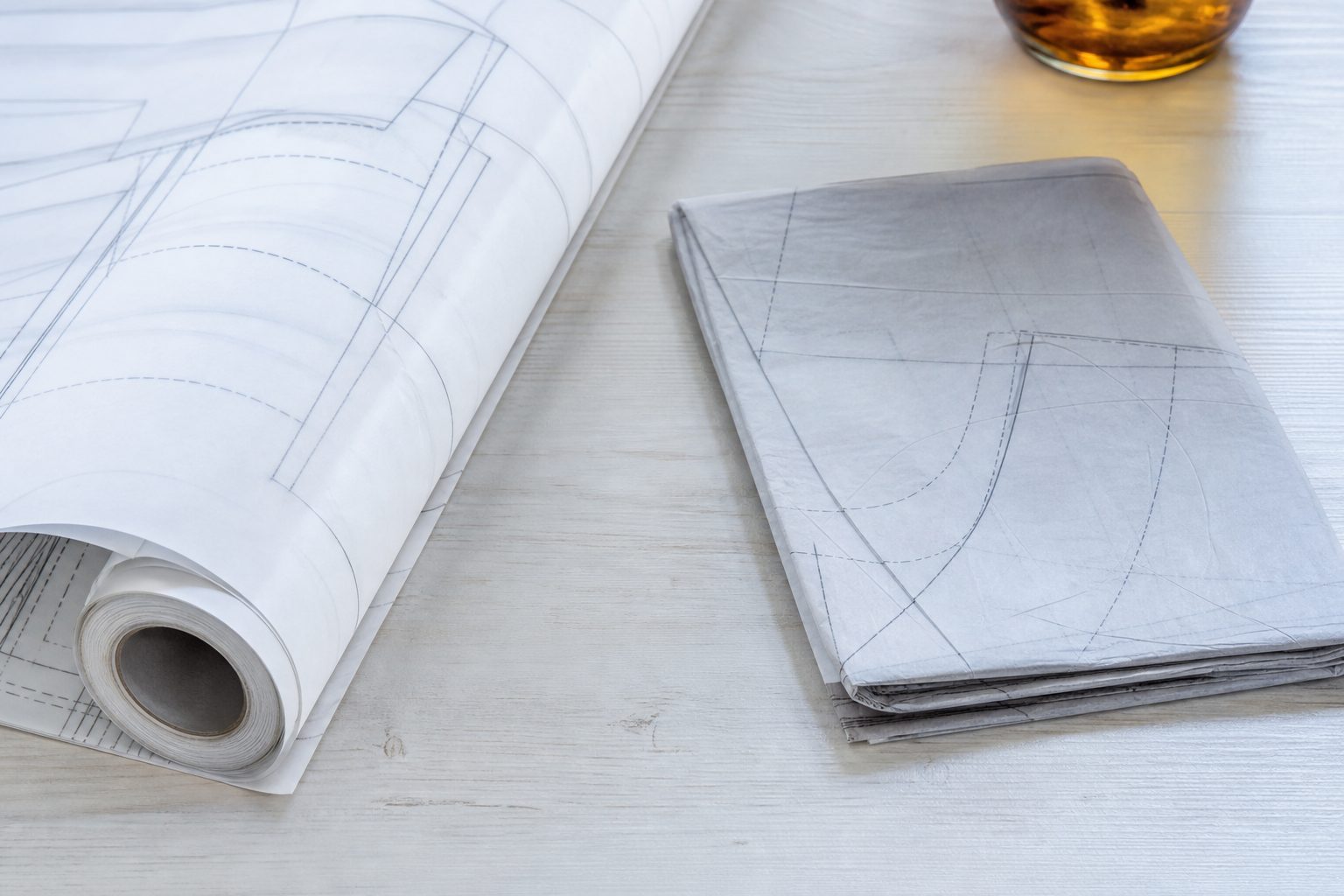
Both, in different proportions than the conversation suggests. Printed paper is not returning as the default format the way it was before digital delivery. What is genuinely growing is print as a premium option alongside the PDF, chosen by a minority of buyers who will pay a real markup for tissue or heavy paper they do not have to tape together.
The wishful part is the belief that adding print solves a revenue problem. It usually adds a fulfillment operation, a unit cost, and a second thing to correct every time you revise. The clear eyed version treats format as a portfolio decision: each format you support has an ongoing maintenance cost, and the right question is which set you can keep accurate through five years of revisions, not which set looks most generous on a product page.
The formats a modern release is expected to include
Buyer expectations have hardened over the last several years. A pattern released today without at least the first three of these will draw comment.
- Tiled home printer file. US letter is essential for the domestic market. A4 is expected if you sell internationally at all, and it is not the same file, because the printable area differs.
- A0 copy shop file. One or a few large sheets, no taping, taken to a print shop or ordered online.
- Layered PDF. Sizes on toggleable layers so a buyer prints only hers.
- Projector file. Now close to standard rather than a novelty.
- Printed pattern. Optional, and the one with actual inventory or fulfillment consequences.
Notice that four of the five are export configurations from one source file. Only the last introduces a physical supply chain. That distinction is the whole economics of the question.
Keep reading: What exactly should I check in a pattern PDF before I put it up for sale?
Projector files and what they demand of your layers
Projector sewing means mounting a short throw projector above the cutting table and projecting the pattern at true size directly onto fabric. No printing, no taping, no paper. The sewists who have adopted it are unusually vocal, and they are not going back.
What they need from your file is specific, and a standard tiled PDF does not provide it.
- A single page containing all pieces, without tile boundaries or page furniture.
- A calibration square, typically several inches, so the sewist can scale the projected image accurately.
- Line weights that survive projection. Hairlines that read beautifully on paper disappear on fabric.
- Color coded sizes as well as layers, because a projected image is read at a distance and dashed line styles blur together.
- Layers named clearly and consistently, since the sewist toggles them in a PDF reader on a tablet, often while standing over the table.
The work is real but it is front loaded. Once your source file has clean named layers, distinct size colors and consistent line weights, the projector export is a fifteen minute job per pattern. If your source file is a tangle of ungrouped objects, it is a day. That is a one time debt, and paying it improves every other export at the same time.
A0 copy shop files, print shop workflows and buyer cost
The A0 file exists to save the buyer an hour with tape. It costs you almost nothing to produce and it removes the single most common complaint about PDF patterns.
Two decisions matter.
The first is sheet size. A0 is the international standard and is what online print services quote against. In the US, wide format shops more often think in roll widths of thirty six inches, and copy shop staff sometimes struggle with a metric page setup. Supplying both an A0 and a thirty six inch wide version removes a support conversation you would otherwise have repeatedly.
The second is trim margins. Print services frequently scale to fit if the file has no margin, and scale to fit destroys a pattern silently. Building a small margin into the page, and putting a measured test square on every large sheet, is what makes the difference between a file that prints correctly and one that generates a refund request.
Buyer cost is worth stating honestly on your product page, because a buyer who is surprised at the counter blames you. Order copy shop printing yourself once a year and see what it costs for your own pattern, then say so in the listing.
Keep reading: How should I price a PDF pattern when the tech editor costs more than the pattern earns?
Print on demand tissue and envelope patterns: unit economics
This is where the wishful thinking concentrates. Work the arithmetic before deciding.
The following numbers are assumptions used to show the structure of the calculation, not market figures. Substitute quotes from your own suppliers.
| Line | Assumed amount | Note |
|---|---|---|
| Retail price of printed pattern | $26.00 | PDF sells at $12.00 |
| Printing, large sheets | $6.00 | Varies sharply with sheet count and paper |
| Instruction booklet | $3.00 | Folded and stapled |
| Envelope and insertion | $1.50 | Printed envelope, hand or machine stuffed |
| Pick, pack and postage | $6.00 | Domestic, packaging included |
| Payment processing | $1.05 | Roughly three percent plus a fixed fee |
| Contribution per unit | $8.45 | Before any of your own time |
Compare that to the PDF at twelve dollars, where processing is the only variable cost and contribution is above eleven dollars. The printed copy sells for more than twice as much and contributes less.
It can still be worth doing. It reaches sewists who will not print at home, it is a natural retail product for fabric shops, and it carries a physical brand presence that a PDF cannot. But run it as a deliberate second product line with its own margin, not as a bonus you assume is profitable because the price is higher.
The decision rule
A workable test before adding print: take your best selling pattern, use real supplier quotes to calculate contribution per unit as above, and estimate print units as a share of that pattern's digital sales. If contribution per unit multiplied by expected annual print units does not clearly exceed the annual hours you would spend on fulfillment valued at your own hourly rate, do not add print for that pattern. Revisit at the next pattern with better volume.
Layers, no trim margins and the file complexity tax
Every format you add multiplies file complexity, and complexity is paid at revision time rather than at release.
Consider the true cost of a small change, say moving a notch on a sleeve cap. In a single format release, that is one edit and one export. In a five format release, it is one edit and then letter tiled, A4 tiled, A0, thirty six inch, projector and print ready press file exports, each of which must be proofed, each of which has its own page numbering that any errata must reference correctly.
Two habits keep the tax low. Keep one source of truth: every export derives from a single master file, and no format ever gets edited directly. And automate the export sequence as far as your software allows, so the sequence is a script or a saved action rather than a memory exercise performed under deadline.
See how StitchPattern handles this for independent sewing and knitting pattern design
How each added format multiplies your testing burden
Testing formats is not the same as testing fit, and it is the part designers skip.
Fit testing scales with your size range. Format testing scales with your format count, because a file can be dimensionally correct and still fail in one output. A projector file with hairlines is invisible on fabric. A no margin A0 gets scaled at the shop. A layered PDF opened in a reader that flattens layers shows every size at once.
The proportionate answer is a small format check per release, separate from the tester round.
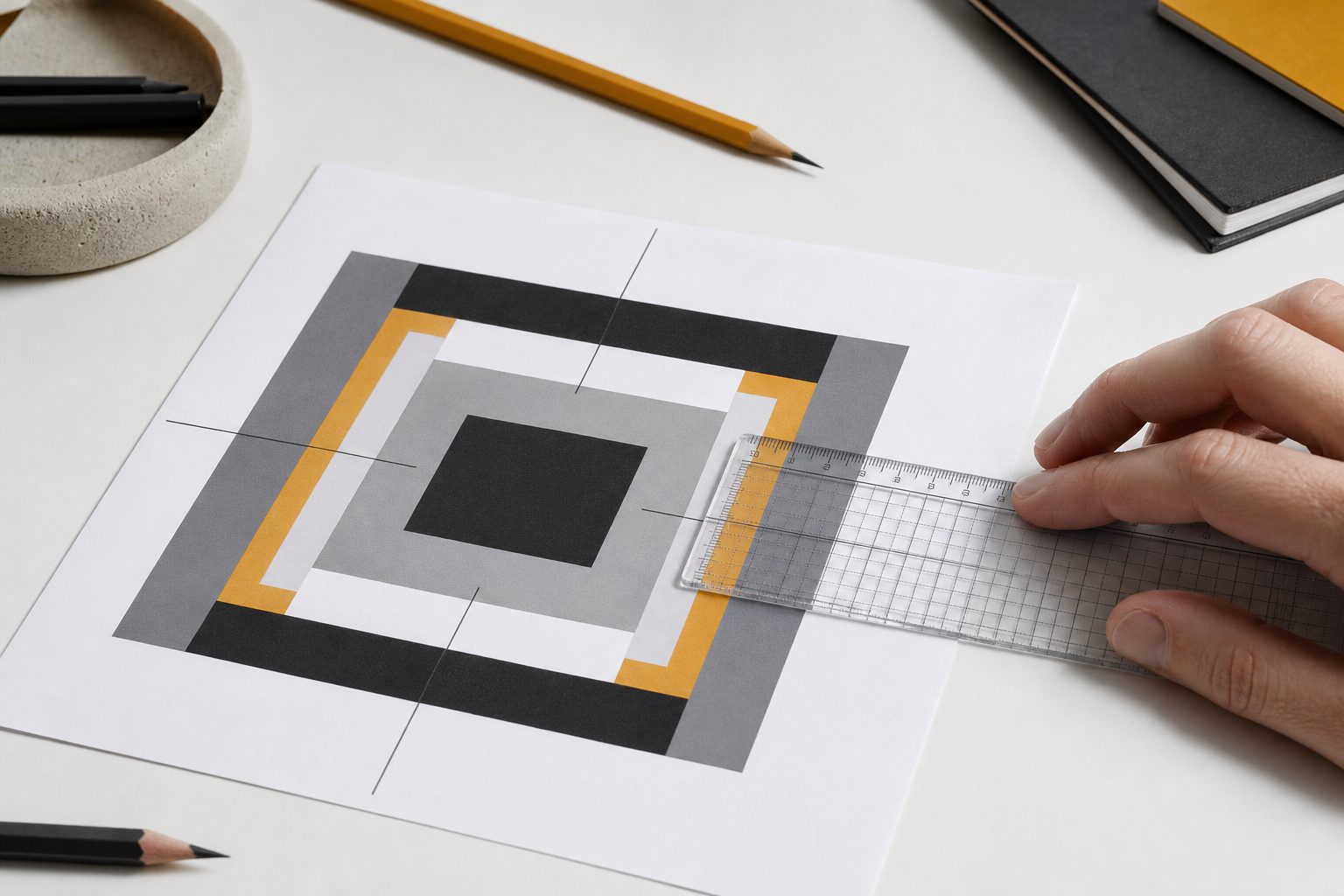
- Print one page of the letter tiled file at home, at actual size, and measure the test square with a ruler.
- Have one tester with a projector confirm calibration and line visibility on real fabric.
- Order or print one A0 sheet yourself and measure its test square.
- Open the layered file in at least two different PDF readers, including one tablet app, and confirm layers toggle.
- Check that page numbers referenced anywhere in your instructions match each layout independently.
That is under two hours per release and it catches nearly every format failure that would otherwise reach a buyer.
Choosing a format set you can maintain through revisions
Choose by maintenance capacity, not by generosity. A designer releasing four patterns a year alone is in a different position from one with a part time production assistant.
A defensible starting set for a solo designer is letter tiled, A4 tiled, A0 and layered, with projector added once your source files have clean layers. Print on demand comes last, on your strongest sellers only, after the arithmetic supports it. Adding a format is easy; withdrawing one after buyers have come to expect it is not, so add deliberately.
Then keep the record. Which formats exist for which pattern, which version each one is currently at, and which of them a given correction touched. That map is what turns a revision from a nervous afternoon into a routine one.
StitchPattern is built around exactly that: a release record per pattern, tester rounds tracked against it, every correction versioned across every format you publish, and the corrected files pushed automatically to buyers who already own the pattern. Support the formats you can maintain, and let the record keeping carry the rest.